1
Create and place your reporting QR code
Generate a QR code for your warehouse, job site or operating location.
Let employees scan a QR code, add photos, witness details and a signature from any phone. Review, assign and export every incident from one secure dashboard.
Built for warehouses, logistics teams and other small physical operations.

Capture the facts while they are fresh.
Photos, notes and signatures stay attached to the same report.
Report #000142
Ready for review
3
Photos
1
Witness
Export ready
A simple reporting flow for the moments that matter, from the first submission to the final record.
Generate a QR code for your warehouse, job site or operating location.
They add incident details, photos, witnesses and a signature without installing an app.
Manage the incident from your dashboard and export a complete PDF or CSV record.
Product walkthrough
From QR scan to manager follow-up, see how an incident moves through Incident Ledger.
Create Your Free Incident PortalIncident Ledger
Reporting flow preview
1. Scan
Open the location link
2. Report
Add evidence and a signature
3. Follow up
Review, assign and export
Product walkthrough coming soon
A real product video will appear here when it is ready.
Give employees one simple way to report incidents and managers one place to review what happened next.
Small businesses with physical operations use Incident Ledger to keep workplace incident records organized.

Common incidents: Forklift near misses, loading-bay incidents, spills and damaged equipment
Follow up by shift and location

Common incidents: Equipment failures, near misses, site hazards and injury reports
Keep workplace incident records organized
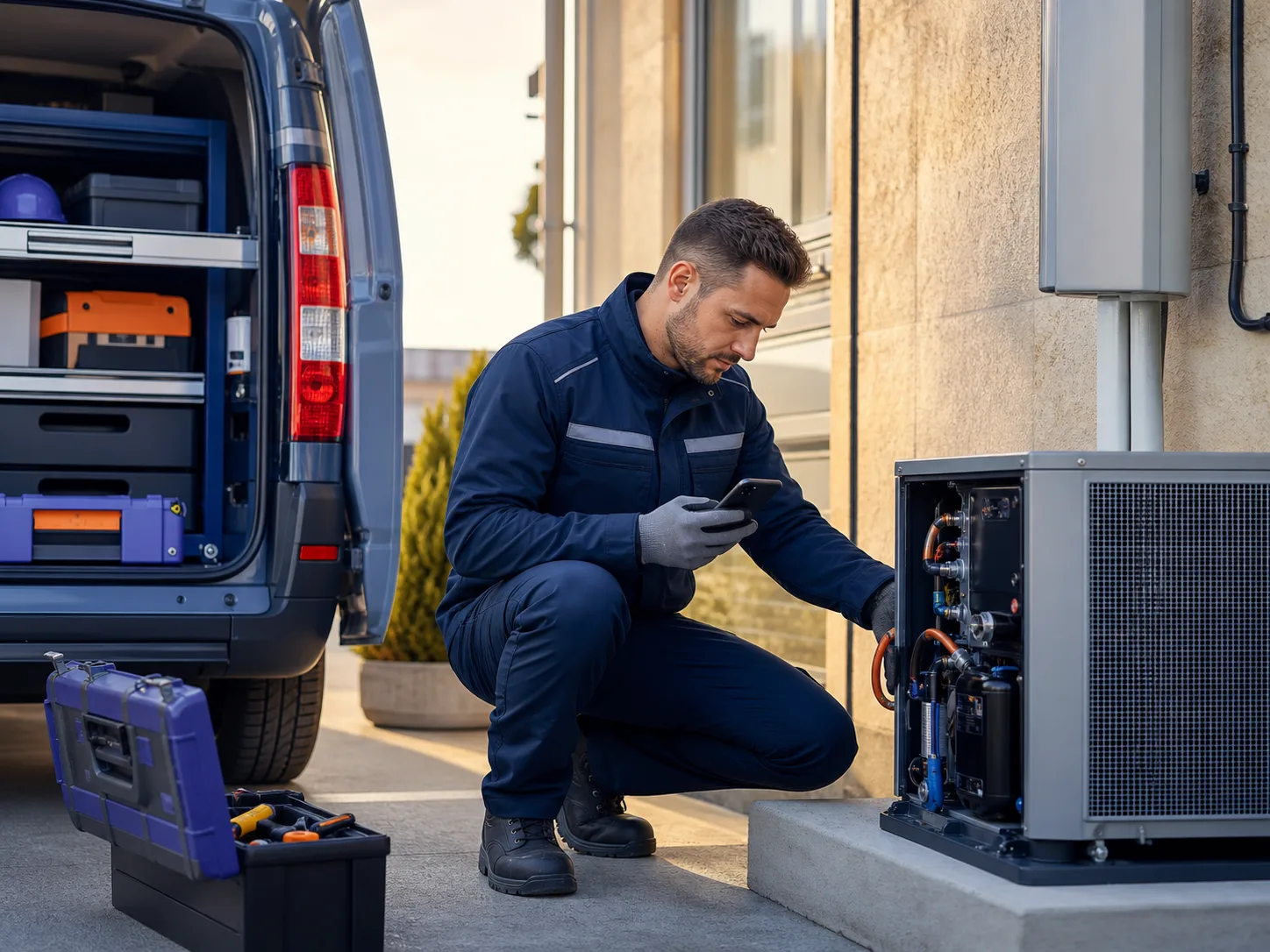
Common incidents: Vehicle issues, equipment damage, customer-site injuries and near misses
Maintain a clear internal history

Common incidents: Machine issues, line injuries, process hazards and quality-related incidents
Support your organization's reporting process
Professional documentation
See what your completed report can include. Each incident exports to a formatted PDF with report details, signature metadata, notes, and workflow history.
Complete incident details
Reference number, date, location, category, severity, and description
Embedded photographs
Uploaded evidence metadata and report context included
People and witnesses
Names, roles, contact information, and witness statements
Activity timeline
Status changes, assignments, notes, and corrective actions
INCIDENT REPORT
INC-2026-000142
Date
July 21, 2026
Location
Warehouse B
Description
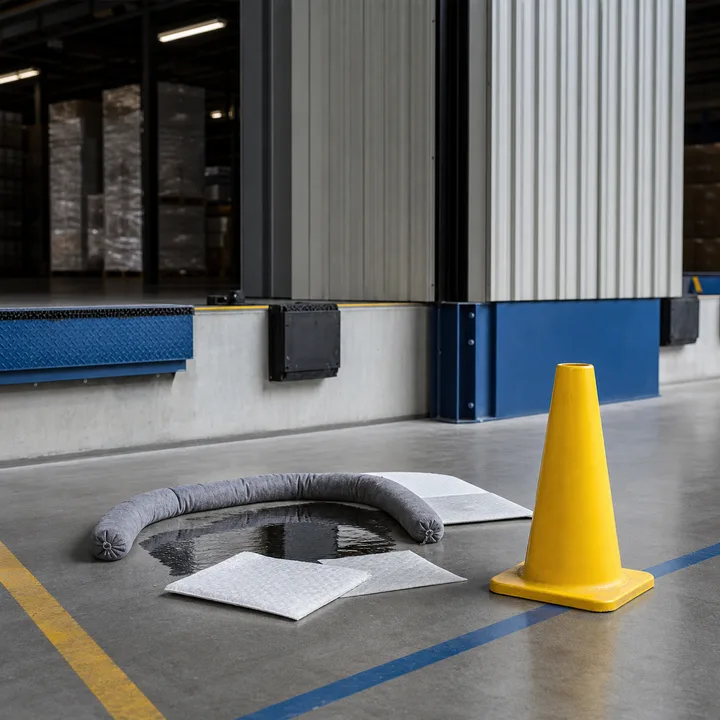
Chemical spill near loading dock area...
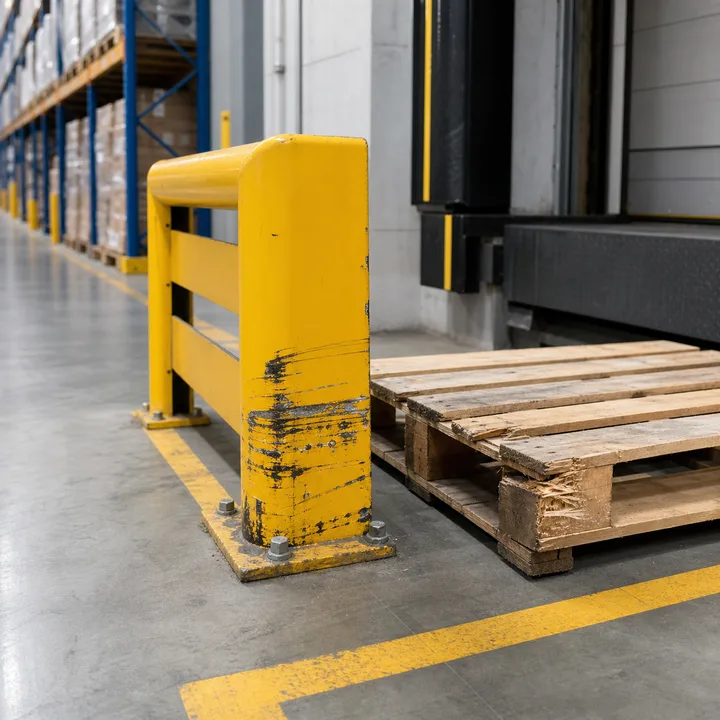
Photos

Reporter Signature
Your incident data and evidence are protected with role-based access, private storage, and tenant isolation controls.
Control who can view, edit, and manage incidents by role and location
Evidence files stored with encryption and private access controls
Workflow events recorded with timestamps and user context
Your data is completely separated from other organizations
Everything you need to know before your team starts collecting better incident reports.
No app
Workers report from any mobile browser
Under 5 min
To create your first reporting location
No. Incident Ledger works in any mobile browser. Workers scan a QR code or tap a link to submit reports without installing anything.
Yes. You can create separate reporting links for different locations, departments, or asset types to automatically categorize incoming reports.
Yes, if you enable anonymous reporting. Reporters can choose to submit without providing their name or contact information.
Yes. Reporters can upload multiple photos as evidence and provide a digital signature to acknowledge the report details.
Managers can add notes, change status, assign responsibility, and attach additional files. Original reporter data remains unchanged for internal history.
Yes. Each incident can be exported as a formatted PDF including all details, photos, signatures, and action history.
Only authorized team members within your organization can access incident details and attachments. Files are stored securely with private access controls.
Most teams create their first QR reporting link in under 5 minutes. Setup includes creating an account, naming your organization, and generating your first link.
Yes. You can cancel anytime and export all incident data as CSV or individual PDFs before closing your account.